 clayground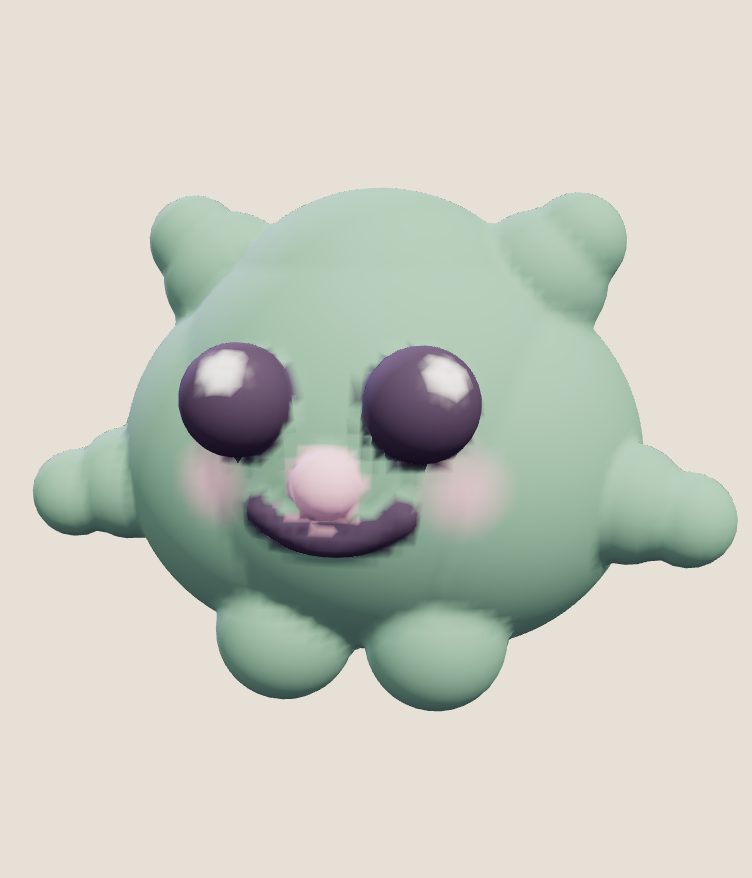
The best free 3D sculpting software depends on what you want to make. Blender is the most capable option that is completely free: a full 3D program with a proper sculpt mode, but a big interface to learn. A browser clay studio such as Clayground’s is the quickest to start: nothing to install, no account, and it works on phones. ZBrush for iPad and Womp have free plans with paid upgrades. In VR, Clayground on Meta Quest is free and runs without a PC.
At a glance
| Topic | Cost | Where it runs | Good for |
|---|---|---|---|
| Blender (sculpt mode) | Free, open source | Windows, macOS, Linux | Serious sculpting plus rendering, rigging and animation in one program |
| Clayground browser studio | Free, no account | Any modern browser, phones included | Starting in a minute; characters; sharing a model by link |
| ZBrush for iPad | Free plan with limits; paid plan for the rest | iPad | Touch sculpting from a professional toolmaker |
| Womp | Free plan; paid Pro plan | Browser | Blobby, shape-based modelling and quick renders |
| Clayground on Meta Quest | Free on the Meta Quest store | Standalone Quest headset, no PC | Sculpting with your hands; painting; animation |
If you want the most power for nothing: Blender
Blender is free and open source, and its sculpt mode has dynamic topology, a large set of brushes, masks and multiresolution. It is the closest free thing to a professional sculpting workflow, and it exports to everything. The cost is time: the interface is large and sculpting is one mode among many. My beginner’s guide to Blender sculpting covers the first hour.
If you want to start right now: a browser studio
Clayground’s browser studio opens in a tab with no install and no account. It uses volumetric clay with twelve brushes, layers, shapes, paint, symmetry and small motion loops, and exports GLB, OBJ and STL. It works with a mouse, a pen or touch, so it also runs on a phone or a Chromebook. It is not for very fine detail, and it has no retopology, UVs or rigging; export a GLB and finish in Blender if you need those (how).
Free plans that lead to a subscription
ZBrush for iPad has a free plan with fewer brushes and some limits, with the full toolset on a paid plan (the longer comparison). Womp is a browser tool built on blobby shapes rather than a sculpting brush, with a free plan and a paid Pro plan (how it differs from clay). Both are worth a look; check each pricing page, because plans and limits change.
If you have a Quest headset
VR sculpting is the most natural way to pull clay around, and Clayground is free on the Meta Quest store and runs on the headset alone. See sculpting in VR without a PC and the roundup of Quest sculpting apps.
How I’d choose
- Complete beginner, want a result today: the browser studio.
- Planning a long-term 3D hobby or job: learn Blender, and use a simple tool to build the habit first.
- You own an iPad and like touch: try the browser studio and ZBrush for iPad’s free plan side by side (iPad guide).
- You own a Quest: try VR sculpting before spending anything.
Questions people ask
Is there a completely free 3D sculpting program?
Yes. Blender is free and open source, and Clayground’s browser studio is free with no account. Some others have free plans with paid upgrades.
What is the easiest free sculpting software for beginners?
One that opens without installing anything. Clayground’s browser studio starts in a click and works on phones; Blender is more capable but takes longer to learn.
Can I sculpt for free on a phone?
Yes. Clayground’s browser studio works with touch on phones and tablets, and Easy mode makes a character in a minute.
Can free sculpting software export for 3D printing?
Blender can. Clayground’s studio exports a 60 mm STL sized for printing (guide).
Sources
Checked 17 October 2026.