 clayground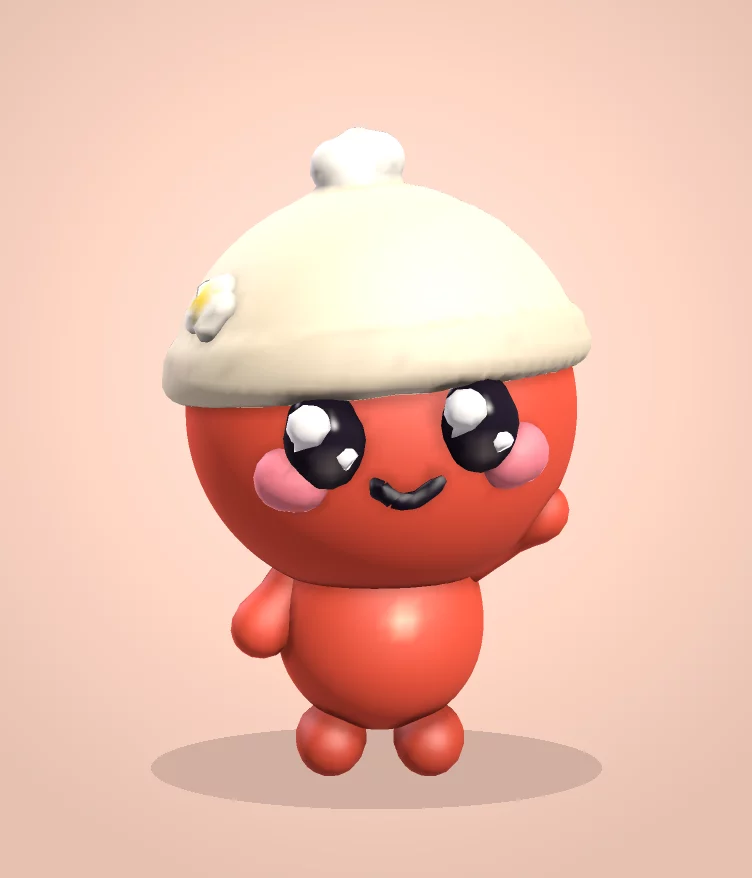
How it works
Open the browser studio on your phone. Easy mode starts automatically on phones. Tap Surprise me for a random Phetta Fella, or pick a colour and tap Fella in my colour. Then squish, stretch and decorate it.
Drag on the clay to change it. Drag the background to turn the model. Pinch to zoom. Tap a part such as Eyes, Ears or Horns to add it in the right place.
What you can do
- Add, pull, smooth, dig and paint with big, forgiving controls.
- Turn on Mirror to keep both sides matching.
- Tap Picture to save or send an image of your creation.
- Make it move: tap Dance, then Clip for a little video to post. More in making a claymation in your browser.
- Want it on your desk? Print your fella from a one-click STL.
- Switch to Pro tools any time for layers, more brushes and export to GLB.
- Stuck? Tap Phetta in the top corner for quick answers and ideas.
Before you close the tab
The browser studio is a lighter, separate engine from the Quest app. Your work is saved on your device automatically, but browsers can clear storage, so use Save project to keep an editable copy.
Already sculpt on a tablet? Here's how the studio compares as a free Nomad Sculpt alternative.