 Clayground
Get your sculpt
off the headset.
Connect your headset
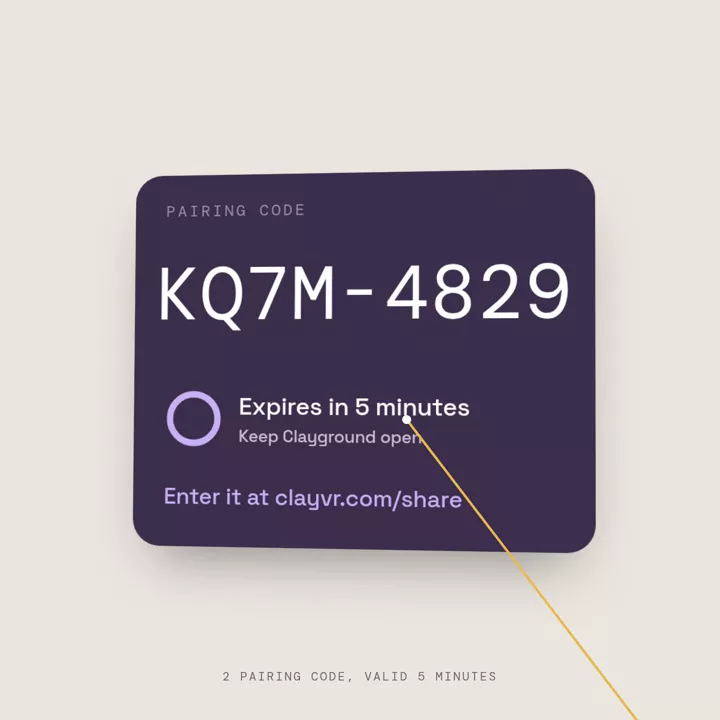
Enter the code shown in Clayground. Keep the app open.
Download what you exported in the Quest app on a phone or computer on the same Wi-Fi as the headset.
Want it online instead of on your phone? With a free account you can send a sculpt straight from the headset, share a link, or enter the gallery. Make an account or log in.
Don’t have the app yet? Get Clayground on Quest ↗(opens in a new tab)
In Clayground
- Export your sculpt.
Choose GLB for the browser preview, or OBJ for another 3D app. Saving a project and exporting a model are separate steps.
- Choose Pairing code in Capture.
On a build with the pairing pilot, the app shows a temporary code. Enter it on this page. The code finds your headset; the file itself still comes from the headset over your Wi-Fi. If your build only shows an IP address, use the address form below.
- Use the same Wi-Fi.
Keep Clayground open. After entering your code, choose Show headset files. Allow local-network access if asked, then preview or download an export.
Already downloaded a GLB?
Open it in the browser preview to inspect the model. Your file stays on your device.
Preview a model →Open your headset’s files
Enter the address shown beside Share in the app. Keep Clayground open and connect this device to the same Wi-Fi.
Having trouble?
The address won’t open
Check the address against the one currently shown in the headset, including the port after the colon. Make sure Share is on and Clayground is still open. Re-enable Share if the app paused or the Wi-Fi changed.
Both devices are on Wi-Fi, but it still won’t connect
Guest and venue networks can prevent devices from talking to each other. Try a trusted home network that allows connections between devices. On a phone, make sure you’re using Wi-Fi rather than mobile data. A VPN can also interfere with the connection.
The file list is empty
Export a model first. Share serves exported files, not the app’s editable project saves.
Can I send the address to a friend elsewhere?
The address works on your local network while Share is running. Download the file first. If you want a browser link, make a free account (or log in), upload the GLB privately under My stuff → Online, and create an expiring seven-day link. You can separately submit validated work for gallery review.
Open My stuff → OnlineWhy do the files open on a different address?
This page helps you reach the app’s current local Share feature. The headset serves those files directly. They haven’t been uploaded to clayvr.com.
Still stuck? Email hey@emotionull.art ↗