 clayground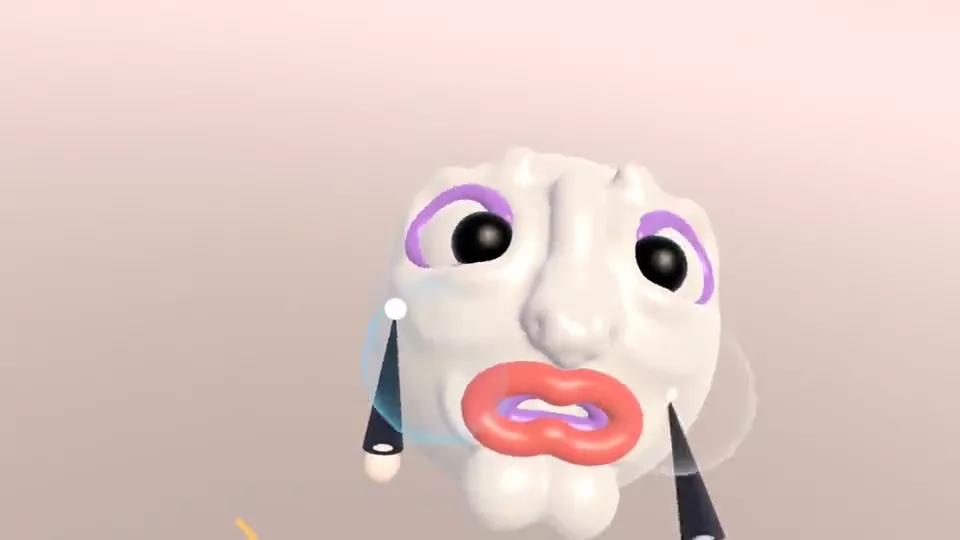
There isn't one free program that does everything ZBrush does. For beginners, the honest picks are: Blender if you want a free, full 3D program with a proper sculpt mode and you're ready to learn its interface; a browser clay studio like Clayground's if you want to start shaping something in the next minute on any computer or phone; and VR sculpting if you have a headset and want to use your hands. Many people start simple and move up.
What ZBrush is good at
ZBrush is built for detail. It handles meshes with millions of polygons, has a huge set of brushes, and has tools for every step of a professional character: blocking out, detailing pores and wrinkles, retopology, UVs, texturing and posing. It's used for film, games and collectible figures. It has been made by Maxon since 2022 and is sold mainly as a subscription; check Maxon's site for current prices and versions, including the iPad app.
The catch for a beginner is that you pay for, and have to learn, all of that before you can tell whether you even like sculpting.
The free options, honestly
| Good for | Hard part | |
|---|---|---|
| Blender (sculpt mode) | A free, open-source program that sculpts, renders, rigs and animates. The closest free thing to a full ZBrush workflow. | A big interface with a lot to learn; sculpting is one mode among many. |
| Clayground browser studio | Sculpting in a minute on any computer, Chromebook or phone, with nothing to install and no account. Volumetric clay, layers, paint, GLB and STL export. | Not for very fine detail; no retopology, UVs or rigging. |
| Clayground on Meta Quest | Sculpting with your hands in VR, free, on the headset with no PC. | Needs a Quest; headset memory limits detail. |
| SculptGL | Free sculpting in a browser tab, open source. | No longer actively developed; made for mouse and pen. |
My suggestion for a beginner
Start where the clay is easiest to touch, then add tools as you need them. Sculpting is mostly about seeing shapes: big forms first, then features, then detail. You can learn that in any program, and it carries over to ZBrush later.
- Week one: sculpt something every day in the browser studio. Tap Surprise me for a character to change, or start from a ball. Learn Clay, Smooth, Move and Mirror; that's most of sculpting.
- When you want more control: take a sculpt into Blender as a GLB (here's how) and try its sculpt mode, or follow Blender sculpting for beginners.
- If you have a Quest: try VR sculpting. Blocking out big shapes with your hands is fast, and many artists block out in VR and finish on a desktop.
- When you're sure: if you want to sculpt professionally, ZBrush (or Blender, which plenty of professionals use too) is worth the time.
What carries over from clay to ZBrush
The habits are the same everywhere. Work from big to small. Turn the model constantly. Use symmetry for faces, then break it on purpose. Keep parts that move or change on their own layer or subtool. Squint at the silhouette. The browser studio's Clay, Smooth, Move, Inflate, Crease and Flatten brushes all have direct cousins in ZBrush, and holding Ctrl (or the Dig button) to invert a brush works much like ZBrush's Alt.
The difference you'll feel most is topology. ZBrush and Blender sculpt a mesh, so at some point you think about how many polygons you have and where (DynaMesh, Dyntopo, subdivision levels). The browser studio sculpts volumetric clay, so you never do; you trade the finest detail for never tearing or stretching the surface.
When to just get ZBrush
If you already know you want to sculpt characters for games, film or figures, and you're ready to put in the hours, the industry tool is worth learning, and Blender's sculpt mode is a strong free way to build the same skills first. If you want to make cute characters for fun, post them, print them or use them in a game jam, you may never need it.
Questions people ask
Is there a free version of ZBrush?
Maxon's line-up and pricing change, including the iPad version, so check Maxon's site for what's free today. For a free full program, Blender is the usual answer.
Is Blender as good as ZBrush for sculpting?
For most beginners and many professionals, Blender's sculpt mode is plenty. ZBrush still handles very dense meshes and some detailing work faster.
What's the easiest way to start sculpting for free?
Open the browser studio on any computer or phone: no install, no account, and Easy mode on phones builds a character in one tap.
Can I take my Clayground sculpt into ZBrush or Blender?
Yes. Export GLB or OBJ (or STL) and import it. It arrives as a dense mesh you can keep sculpting or remesh.
Sources
Checked 12 October 2026.