 clayground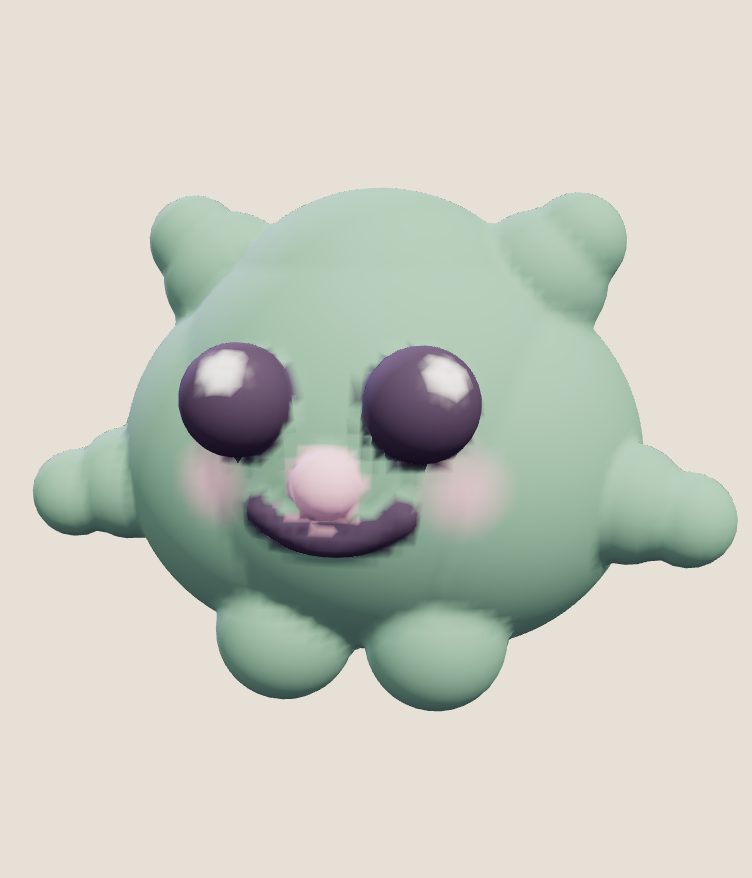
There are two ways kids usually make things in 3D. Modelling with shapes, the way Tinkercad works, means stacking and cutting boxes, cylinders and spheres with exact sizes: perfect for things that need to fit, like a keyring, a box or a robot part. Sculpting means pushing and pulling soft clay: better for faces, animals and characters. Clayground's free browser studio is a sculpting tool, so it's less a replacement for Tinkercad than the other half of it.
Side by side
| Tinkercad | Clayground browser studio | |
|---|---|---|
| How you build | Place, size and combine shapes, and cut holes | Push, pull, smooth and paint clay; shapes too |
| Best for | Parts, gadgets, buildings, anything measured | Characters, animals, faces, creatures |
| Price | Free | Free |
| Runs in | A web browser | A web browser, on computers, Chromebooks and phones |
| Account | An account (teachers can set up classes) | None; work saves on the device |
| Colour | A colour per shape | Paint straight onto the clay |
| Export | STL and other 3D formats | STL, GLB with colour, OBJ |
| Animation | No | One-press motion loops and short clips |
When Tinkercad is the better pick
If the goal is to learn measurement, precision and design for 3D printing, Tinkercad is excellent: every shape has a size in millimetres, things snap together, and it teaches the way engineers and makers think. It also has a big library of lessons for schools. Use it for anything that has to fit something else.
When clay is the better pick
- Your child wants to make a character. A cat, a monster, themselves as a potato. Clay does round, soft and lumpy in a way blocks can't.
- There's no account to set up. The browser studio opens straight away and saves on the device. Nothing is shared unless a grown-up chooses to.
- Younger kids. Easy mode has big buttons: add eyes, ears, horns or a tail with one tap, and press Dance to see it move. There's no reading needed to sculpt.
- It's on a phone or a tablet. The studio works with touch, with two fingers to undo.
Use both: a project idea
Make a character in clay, then build it a house in Tinkercad. Sculpt the character in the browser studio and export it with Print (STL), a 60 mm file. In Tinkercad, import the STL and build a stand, a base with the character's name, or a little room around it. Print the two together. It's a nice lesson in when to use which tool, and kids end up holding something they designed twice over.
Three first projects in clay
- Make it yours: tap Surprise me, change the colour, add one thing that makes it different.
- A ball becomes an animal: in Pro tools, use Shapes to add two ears, two eyes and cheeks, then Cut a little mouth. The animal guide has more ideas.
- Today's Fella: everyone gets the same character each day. Make your version and compare with friends.
For grown-ups and teachers
There are no ads, no chat with other people, and no account in the studio. Page views are counted without cookies; the privacy page has details. For a classroom, the Chromebook lesson plan is a 45-minute session that ends with every student holding a character, and 3D sculpting for kids has more on ages and safety.
Questions people ask
Is Tinkercad or Clayground better for kids?
They do different things. Tinkercad is for building with exact shapes; Clayground is for sculpting soft clay characters. Many kids enjoy both.
What age is clay sculpting for?
Easy mode works for young kids with a grown-up nearby; Pro tools suit roughly 10 and up.
Can I 3D print what my kid sculpts?
Yes. Print (STL) gives a 60 mm file for a home printer, a library maker space or a print service. How to print it.
Does it need an account?
No. The browser studio works and saves without one.
Sources
Checked 12 October 2026.