 clayground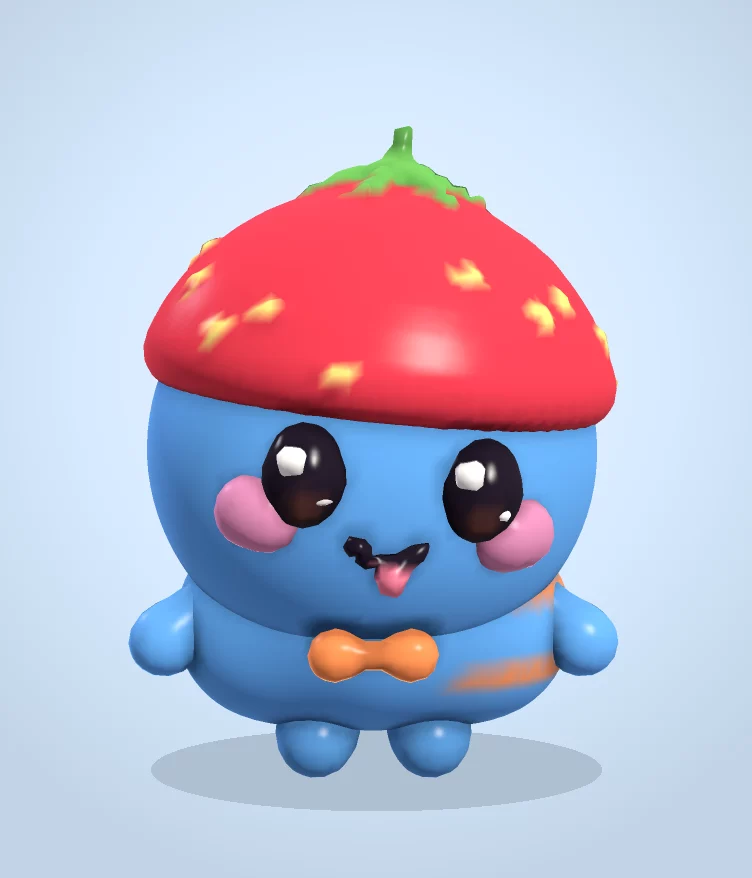
Clayground's browser studio is a free 3D clay sculpting tool that works on tablets, phones and computers with no account and no chat with other people. Kids start from a random cute character or a ball, then squish, add parts and paint, and can save a picture, a little animated clip, or a file to 3D print.
Why it works for kids
- Easy mode has big buttons: add eyes, ears, horns, arms, feet or a tail with one tap, and press Dance to see it move.
- Nothing to lose: Undo is always there, and on a phone a two-finger tap undoes too.
- No account, no chat with strangers: sculpts save on the device. Sharing to the public gallery is optional and every entry is reviewed before anyone sees it.
- It ends with something real: a picture, a clip, or a print-ready STL file.
Three first projects
- Make it yours: tap Surprise me, then change the colour and add one thing that makes it different.
- A ball becomes an animal: in Pro tools, use Shapes to add two ears, two eyes and cheeks, then Cut a little mouth.
- Today's Fella: everyone gets the same character each day. Make your version and compare with friends.
For grown-ups
There are no ads in the studio. Analytics are anonymous page counts with no cookies, and you can read the privacy page for the details. The optional sign-in and the Monad testnet minting are for adults with their own accounts; neither is needed to sculpt. Teachers: see clay sculpting on Chromebooks for a lesson plan.
Questions people ask
What age is it for?
Easy mode works for young kids with a grown-up nearby; Pro tools suit roughly 10 and up. There's no reading needed to sculpt.
Does it need an account or an email?
No. It runs and saves without one.
Can my kid print what they make?
Yes. More → Print (STL) gives a 60 mm file for a home printer, a library maker space or an online print service.