 clayground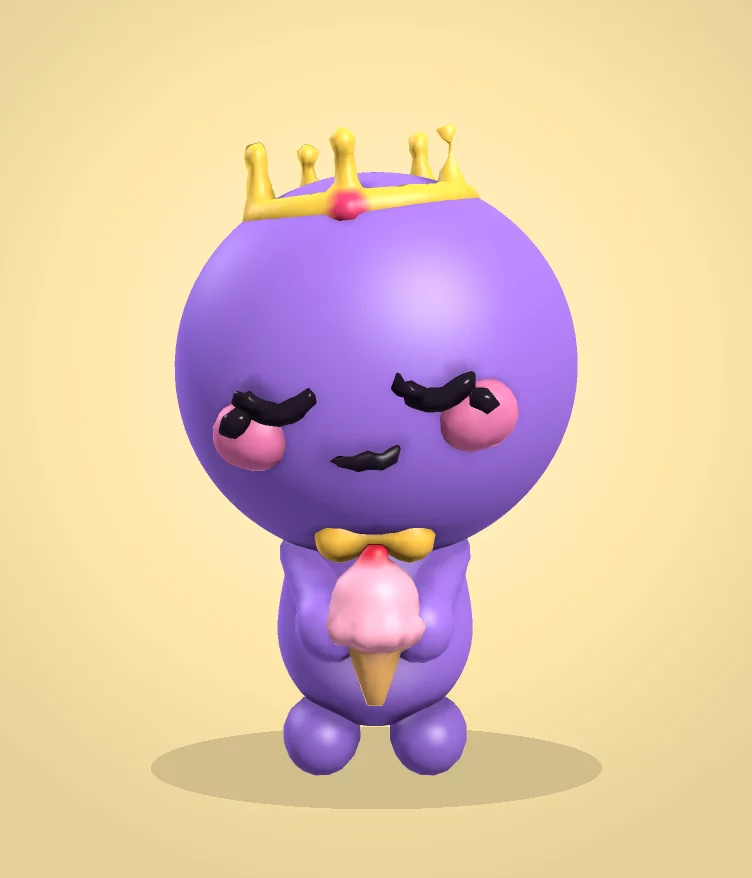
Clayground's browser studio runs on school Chromebooks in Chrome with no installation and no student accounts, and saves work on the device. It suits art, design and technology lessons about form: students block out a character from simple shapes, refine it with clay tools, paint it, and export a picture or a print-ready STL.
Before the lesson (5 minutes)
- Open clayvr.com/sculpt on one Chromebook and check it loads on your school network.
- Put the link on the board or in your class page. A mouse helps but isn't needed.
- Decide whether students will save a picture (More → Save image) or a file to print (More → Print (STL)).
The lesson (45 minutes)
| Time | What students do |
|---|---|
| 5 min | Warm-up: tap Surprise me and talk about what makes the character cute (big head, small body, low face). |
| 15 min | Pro tools → Shapes: turn the starting ball into an animal using only shapes. Two ears, two eyes, cheeks, a Cut for the mouth. Mirror makes both sides at once. |
| 10 min | Refine with Clay and Smooth, then paint. Rule: one strong feature, not ten small ones. |
| 10 min | Gallery walk: everyone turns their screen; classmates name one thing that works. |
| 5 min | Save a picture or an STL to hand in. |
Ideas to extend it
- Print the class's best three on the school printer (60 mm is about 30–90 minutes each).
- Animate: Pro tools → Motion → Hop, then Record clip for a class montage.
- Weekly challenge: the challenge page has a new theme every Monday.
Privacy
No student accounts, no chat with other people, no ads. Work stays on the device unless a student chooses to export it. The optional sign-in, gallery and testnet minting are for adults and aren't needed for this lesson. Details are on the privacy page.
Questions people ask
Does it work on school Chromebooks?
Yes, in Chrome, with no extension or install. Very old Chromebooks may run slowly; lowering the layer detail helps.
Do students need email addresses?
No. Nothing needs an account.
Can I use it for free in class?
Yes. The browser studio is free.