 Clayground
How the fighter maker works
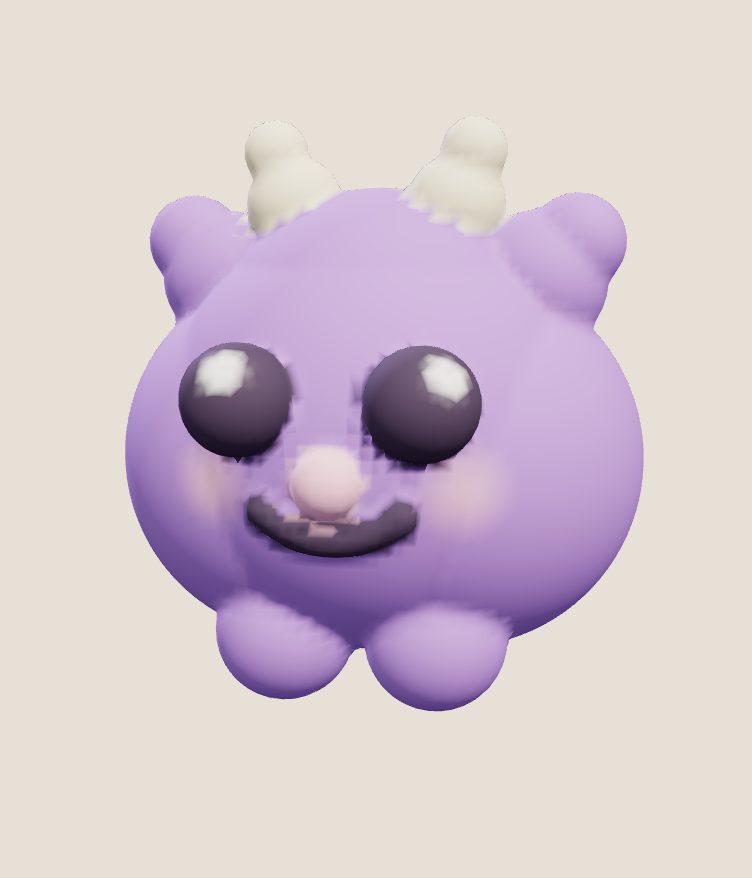
Your fighter is a little clay character with a skeleton inside: a head, a body, two arms and two legs. You sculpt around the pink bones, and when it fights, whatever clay is near a bone moves with that bone. Arms swing, the head bobs, legs run.
It's the same clay as the free browser studio, with the tools you need for a character: build up clay, smooth it, pull it into shape, and paint it.
Make one in a few minutes
- Pick Start from a chibi body for a ready-made round fighter to squish and decorate, or Start from nothing to sculpt around the bare skeleton.
- Keep the clay close to the bones. Ears, horns, tails and hats are all fine: they follow whichever bone they're nearest.
- Missing a part? Add them for me fills in any head, body, arm or leg that isn't there yet, so the fighter can move and be hit.
- Paint it, name it, and it joins your fighters in Smoosh. You can reopen it and change it any time.
Bring a sculpt from the studio
Made something in the browser studio already? Open it from the Smoosh menu and it can become a fighter too. It works best when the sculpt stands upright with clear arms and legs. The character guide has tips for a shape that reads well.
Questions people ask
Is the fighter maker free?
Yes, like everything in Smoosh. Your fighters are kept in this browser, with no account.
Can my friends see my fighter?
Yes. When you play a friend online or join a party room, your fighter comes with you, so everyone sees the one you made.