 Clayground
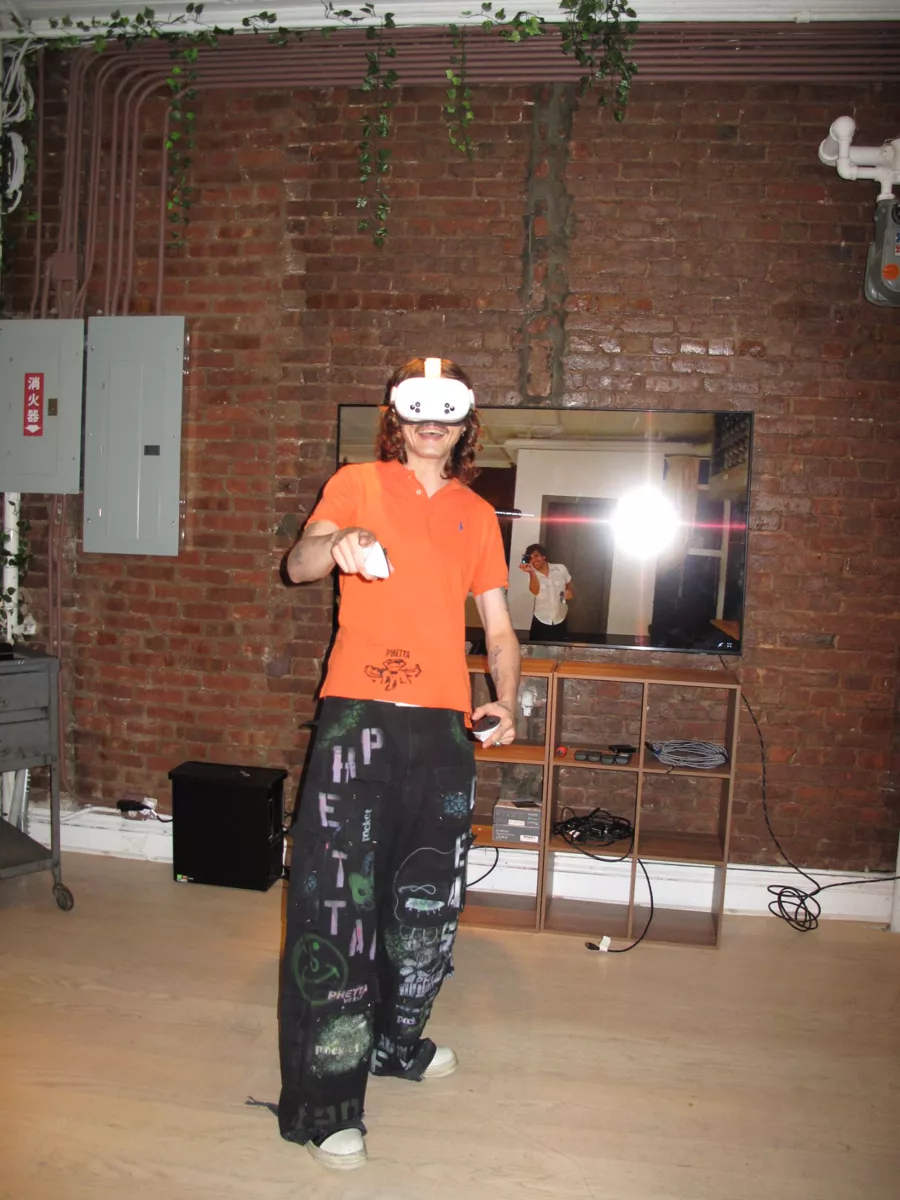
You can sculpt and paint in 3D with a mixed reality headset. On a Meta Quest, passthrough shows your room through the headset’s cameras while a sculpting app puts the clay in front of you. Clayground runs on Quest 2, 3, 3S and Pro with no PC, and lets you sculpt in a virtual studio or in mixed reality, with your hands or controllers. Quest 2 shows the room in grayscale; Quest Pro, 3 and 3S show it in color.
Virtual studio or your own room
Mixed reality means you see the real room and virtual objects together. On a Quest the room comes from the headset’s cameras, which Meta calls passthrough. In a sculpting app, that is the difference between working in a made-up studio and working at your own desk or on your own floor.
Clayground offers both, and you choose when you start.
| Topic | Virtual studio | Mixed reality |
|---|---|---|
| What you see | A calm virtual room around the clay | Your own room, with the clay in it |
| Suits | Staying focused on the form, with nothing else in view | Sitting at a desk, keeping a drink or a phone in sight, noticing people and pets nearby |
| Watch for | Losing track of where the furniture is, so set your boundary first | A dim room gives a grainier picture, because the room is a camera image |
What each Quest shows
Clayground runs on all four, and the clay looks the same in each. The room around it does not. This is from Meta’s own pages on passthrough.
| Headset | Passthrough |
|---|---|
| Quest 2 | Grayscale |
| Quest Pro | Color |
| Quest 3 | Full color |
| Quest 3S | Full color |
What this means for painting
You paint straight onto the clay, with no UV maps or textures to set up, and the color is stored on the model. On a Quest 2 the room is gray, so your paint is the only color in view. On a color headset the clay sits among the room’s real colors. Either way the colors travel with the sculpt when you export a GLB. Painting your VR sculpt covers palettes and the order to work in.
Set up your space
- Clear a space about the size of a yoga mat. Sitting is fine, because most sculpting is arm movement.
- Light the room. Passthrough is a camera image, so a dim room looks noisy.
- Put the clay at chest height, close to you. Grab the sculpt and pull it to you instead of reaching out. Comfortable VR sculpting has the rest.
- Set your boundary first. In a virtual studio you cannot see the room, and the boundary is what keeps you clear of furniture.
- Use hands or controllers. A relaxed pinch lays clay with your hands; controllers work too.
Getting started
- Install Clayground from the Meta Quest store. It runs on the headset with no PC or cable.
- Choose mixed reality instead of the virtual studio. The app’s tutorial shows the controls.
- Add clay, carve, smooth and paint. Use layers to keep parts separate.
- Export GLB, OBJ or a print-ready STL, then use Get files off the headset to download it in any browser.
What happens to the camera view
The headset itself draws your surroundings. Clayground’s privacy notice says the passthrough view is not used as website upload data. Read it on the privacy page.
Other headsets and no headset
Clayground is a Meta Quest app. Other mixed reality headsets have their own stores and their own apps, so check each listing. The comparison of Quest sculpting apps covers the Quest choices side by side.
No headset yet? The free browser studio uses a related idea on any computer or phone, and a sculpt moves between browser and headset as a GLB. More on the headset side is in the VR sculpting guide and VR sculpting without a PC.
Questions people ask
Can you sculpt in mixed reality on a Quest?
Yes. Clayground lets you sculpt in a virtual studio or in mixed reality, so your room stays in view while you work. It runs on Quest 2, 3, 3S and Pro with no PC.
Does the Quest 2 have mixed reality?
The Quest 2 has passthrough in grayscale. The Quest Pro, 3 and 3S show it in color.
Can you paint in mixed reality?
Yes. You paint straight onto the clay, and the color is stored on the model, so it exports with a GLB.
Do I need a PC for mixed reality sculpting?
Not with Clayground. It runs on the headset by itself.
What can I do with a mixed reality sculpt afterward?
Export GLB, OBJ or a print-ready STL, and download it from the headset in any browser with a pairing code.
Sources
- Meta: How to use Passthrough on Meta Quest ↗
- Meta Developers: Passthrough design ↗
- Meta Quest store: Clayground ↗
Checked November 24, 2026.