 clayground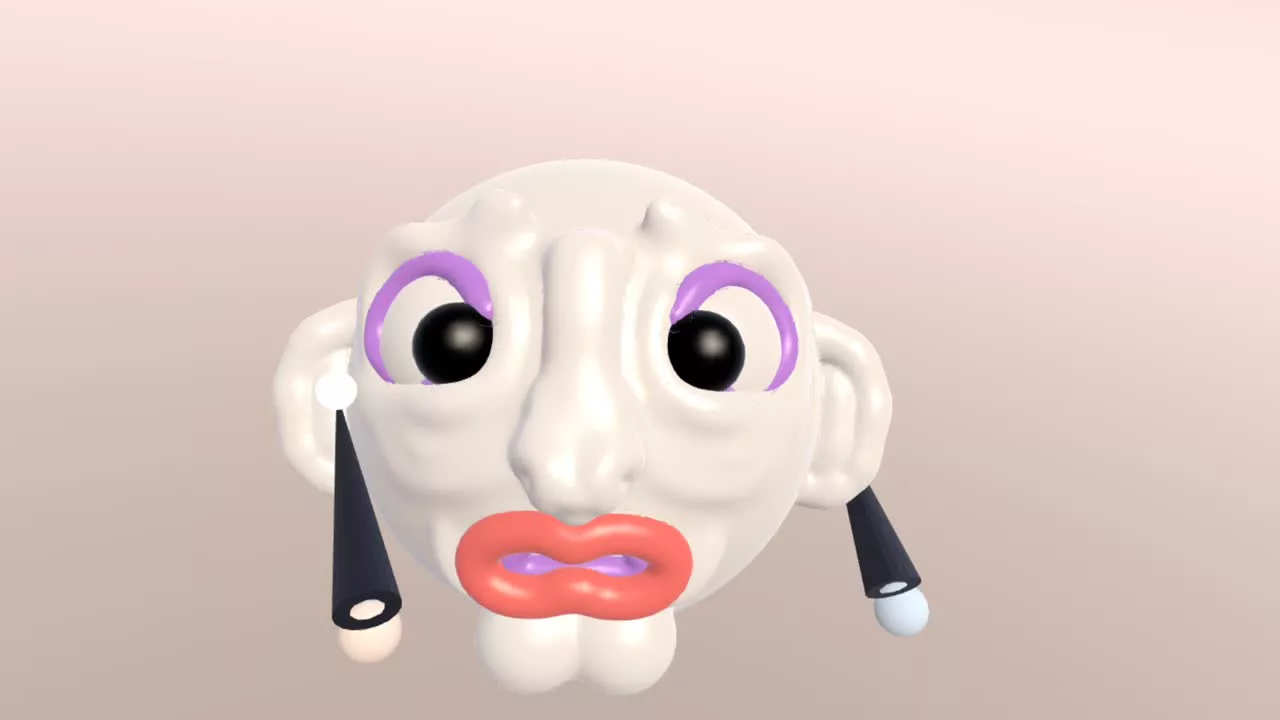
Sculpt first, paint second
Finish the shape before you commit to colour. Smoothing, pulling and carving can blend paint away, so add colour once the forms are settled. If you want a colour on a part while building, add that part in its colour on its own layer.
Choose a small palette
Pick a main colour, one or two accents and a dark for eyes and mouths. A limited palette looks deliberate. Lighter colours on the belly and face and darker colours on top and back give a simple sense of light.
Block in big areas
Use a large brush with full strength to lay in the main colours, then reduce strength for soft blends around cheeks and transitions. Turn the model as you go so you do not miss the back.
Add small details last
Switch to a small brush for pupils, freckles, nails and patterns. Keep the eyes dark and clean; they anchor the whole face.
Keep colour when you export
GLB exports carry vertex colours, so your paint arrives in Blender and game engines. OBJ carries geometry only. If you plan to 3D print in colour, ask your print service which formats they accept.