 clayground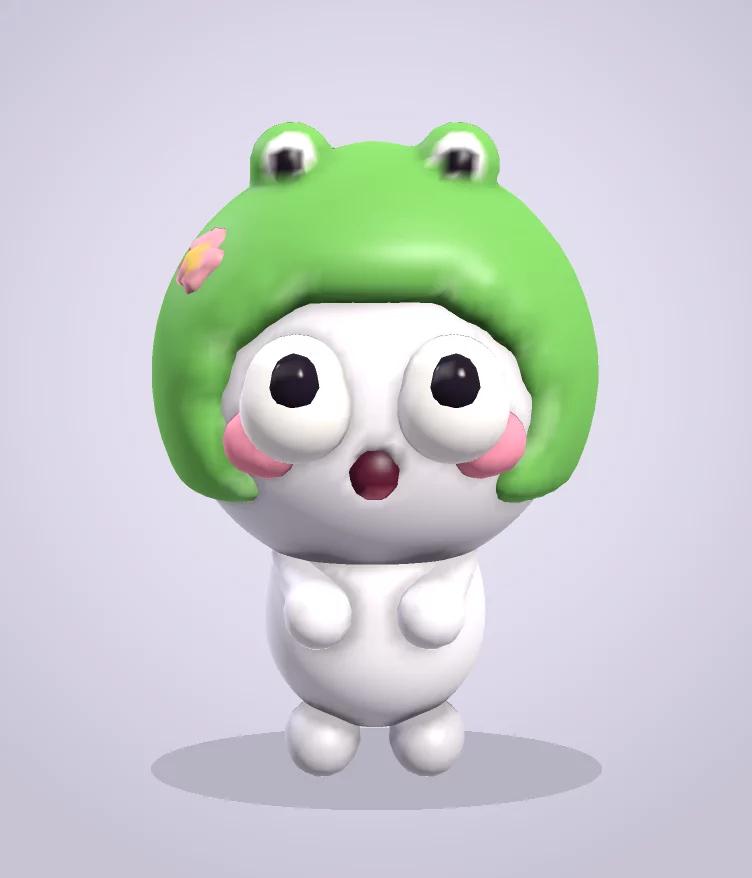
Clay is a field, not a mesh
Each layer is a grid of numbers inside a cube. Every point stores how far it is from the clay's surface (negative inside, positive outside) plus a colour. That's a signed distance field. Grids come in 32, 48, 64 or 96 points per side; a 96-point layer is about 885,000 points, roughly 6 MB with colour.
Because the clay is a field, you never fight topology. You can push a hole through a head or merge two blobs and there's nothing to retopologise.
Brushes are small maths edits
A stroke is a list of brush stamps, and each stamp only touches the grid points near it.
- Clay takes the minimum of the old distance and the brush sphere, which adds material.
- Erase takes the maximum against the inverted sphere, which carves.
- Smooth nudges each point toward its neighbours' average, clamped so a stroke can never explode.
- Move and Hook resample the field along your drag, so the clay follows your hand.
- Paint only blends colour near the surface, so the shape never changes.
Soft joins for generated characters
The Phetta Fellas generator builds bodies out of many spheres. A plain minimum leaves creases where they meet, so the generator joins them with a smooth minimum, which blends two distances over a short width. A row of blobs becomes one flowing piece of clay.
From field to triangles
To draw the clay, every grid cell whose corners straddle the surface is split into tetrahedra and triangulated (marching tetrahedra). Vertex positions and colours are interpolated along each edge, and normals come from the field's gradient, with one-sided differences at the edge of the written region so the shading stays clean.
The grid is cut into 16 × 16 × 16 chunks and each chunk's mesh is cached. A brush stroke marks the region it touched, and only those chunks are rebuilt, so a stroke on a big sculpt costs about the same as on a small one.
Keeping the page smooth
All of the clay work runs in a Web Worker. The page sends brush stamps over, and the worker sends finished chunk meshes back to three.js for drawing, so the interface never waits on the maths.
Undo keeps snapshots, trimmed to a memory budget as well as a step count, and each project stays under a 64 MB budget so it can always be saved. Your work autosaves to your browser's IndexedDB.
Exports that are actually small
The mesher writes every triangle with its own three corners. Before a GLB export, identical vertices are merged, which shrank a Phetta Fella from 4.84 MB to 1.08 MB with the same surface. Every layer exports as its own named mesh, and the file goes through the same validator the upload service uses.
Phones
On a phone the studio starts in Easy mode: big buttons, one tap for a character, parts that snap to the surface you've already sculpted, and touch strokes that can trail slightly behind your finger so you can see what you're doing.
Try it
The browser studio is free with no account. For the full experience, with your hands, in VR, Clayground is free on Meta Quest, and this guide to VR sculpting explains what that’s like.