 Clayground
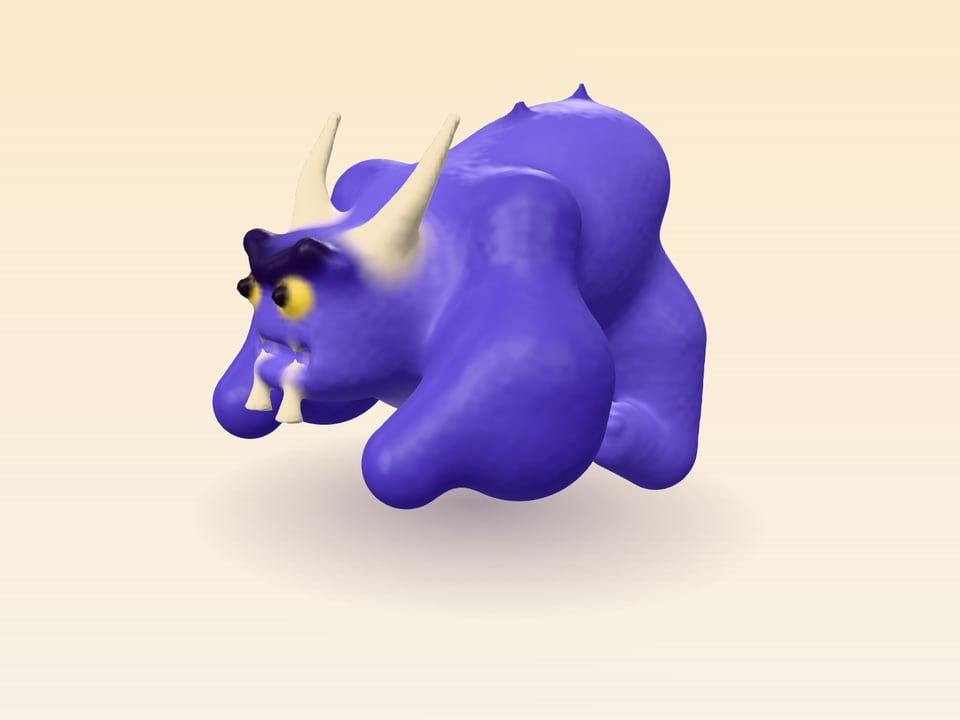
Tinkercad and Clayground EDU do different jobs in a classroom. Tinkercad is a free Autodesk web app for 3D design, electronics and coding, with classes, assignments and a class gallery. Clayground EDU is a clay sculpting studio for characters and objects, with six lessons, a classroom board and no student accounts or roster. Many classrooms could use both.
Side by side
| Topic | Tinkercad | Clayground EDU |
|---|---|---|
| What students make | Designs from exact shapes, plus circuits and code | Sculpted characters and objects, painted |
| Class setup | A teacher creates classes in Tinkercad Classrooms; students join with a link or code, no email required | None: students open one link |
| Student accounts | Students join a class. With the Google Classroom option they use a Google email | None |
| Assignments and review | Class activities, a class gallery, and assignments through Google Classroom | None. Students hand in a picture, project file or print file the way they hand in any file; a class shelf shows pictures on the board |
| Lessons | Curriculum by subject, from math and electronics to art and product design, plus partner curricula | Six lessons, all art and design, each with a run sheet, student steps, a rubric, a board and a student sheet |
| Recognition | Design & Make skill badges and a Tinkercad certification | None |
| Price | Free | Free |
| Printing | STL and other 3D formats | A 60 mm STL, or a zip with one STL per layer for color |
What Tinkercad does that Clayground EDU does not
- Manages a class. Teachers create classes, assign activities and review work in a class gallery, and can send and receive assignments through Google Classroom. Clayground EDU has no roster, no progress record and no assignment inbox.
- Covers more subjects. Tinkercad lists curriculum for 3D printing, architecture, art and 3D design, coding, electronics, math, physical science, product design, robotics and sustainability. Clayground EDU's lessons are all art and design.
- Builds with exact sizes. Shapes have measurements and can cut holes, so it suits parts that must fit something else.
- Recognizes skills. Teachers can award Design & Make badges, and Tinkercad offers a foundational certification.
What Clayground EDU does that Tinkercad does not
- Sculpts clay. Students push, pull, smooth and paint soft shapes, which suits animals, faces and creatures. Tinkercad combines exact shapes.
- Needs no setup. There is no class to create and no sign-in, so a substitute, a library session or a one-off period can start from one link.
- Teaches in the order a sculptor works. The six lessons start from a reference photo and the biggest shapes, check the silhouette, and leave detail and color for last. How to teach 3D sculpting in middle school has the run sheet.
- Collects nothing about students. Work stays in the browser on that device unless a student puts a picture on the class shelf, which carries no name and is deleted after six hours at most.
Which one to use
- Tinkercad for a unit on measurement, circuits or code, for parts that must fit, or when you need to see which student has finished what.
- Clayground EDU for a unit on form, character or point of view, for a single period, or when your school would rather students had no accounts.
- Both in one project: students sculpt a character in Clayground EDU, export Print (STL), then import the STL into Tinkercad and design a stand, a name plate or a room around it. 3D printing in middle school covers the printing.
What is not there yet
Clayground EDU has six lessons and no teacher dashboard. None of the lessons has been tested for learning outcomes or timed on a range of school Chromebooks, and none carries standards codes. At home, the parent's version of this comparison covers kids who sculpt on their own.
Questions people ask
Is Clayground a replacement for Tinkercad in class?
No. They do different jobs: Tinkercad builds from exact shapes and runs classes, and Clayground EDU sculpts clay with no accounts. A class can use both.
Does Clayground EDU have a teacher dashboard?
No. There is no roster, account or progress record. That is a limit if you need to track who finished what.
Can students bring a Clayground sculpt into Tinkercad?
Yes. Export Print (STL) from Clayground EDU, then import the STL into Tinkercad.
Do students need accounts for Clayground EDU?
No. Sculpting needs no account, email address or date of birth.
Sources
Checked November 14, 2026.